As a CISO / CIO you will have put in place policies and mechanisms to ensure the information security, such as:
- hard disks encryption
- software updates
- firewalls
- anti-virus scanners
If these policies are not applied, this creates an information security risk. Citadel verifies that your devices implement your IT security policies, and can disable access to your system if this is not the case, in order to protect the information.
control configuration
    "device": {
        "controls": {
            "applications": {
                "forbidden": [],
                "required": []
            },
            "processes": {
                "forbidden": [],
                "required": []
            },
            "browser": {
                "maxUptime": 14
            },
            "packs": [
                { "type": "windows", "path": "controls/windows-custom.json" },
                { "type": "macos", "path": "controls/macos-custom.json" },
            ]
        },
        "osqueryPath": {
            "windows": undefined,
            "macos": undefined
        },
    }
enforcement
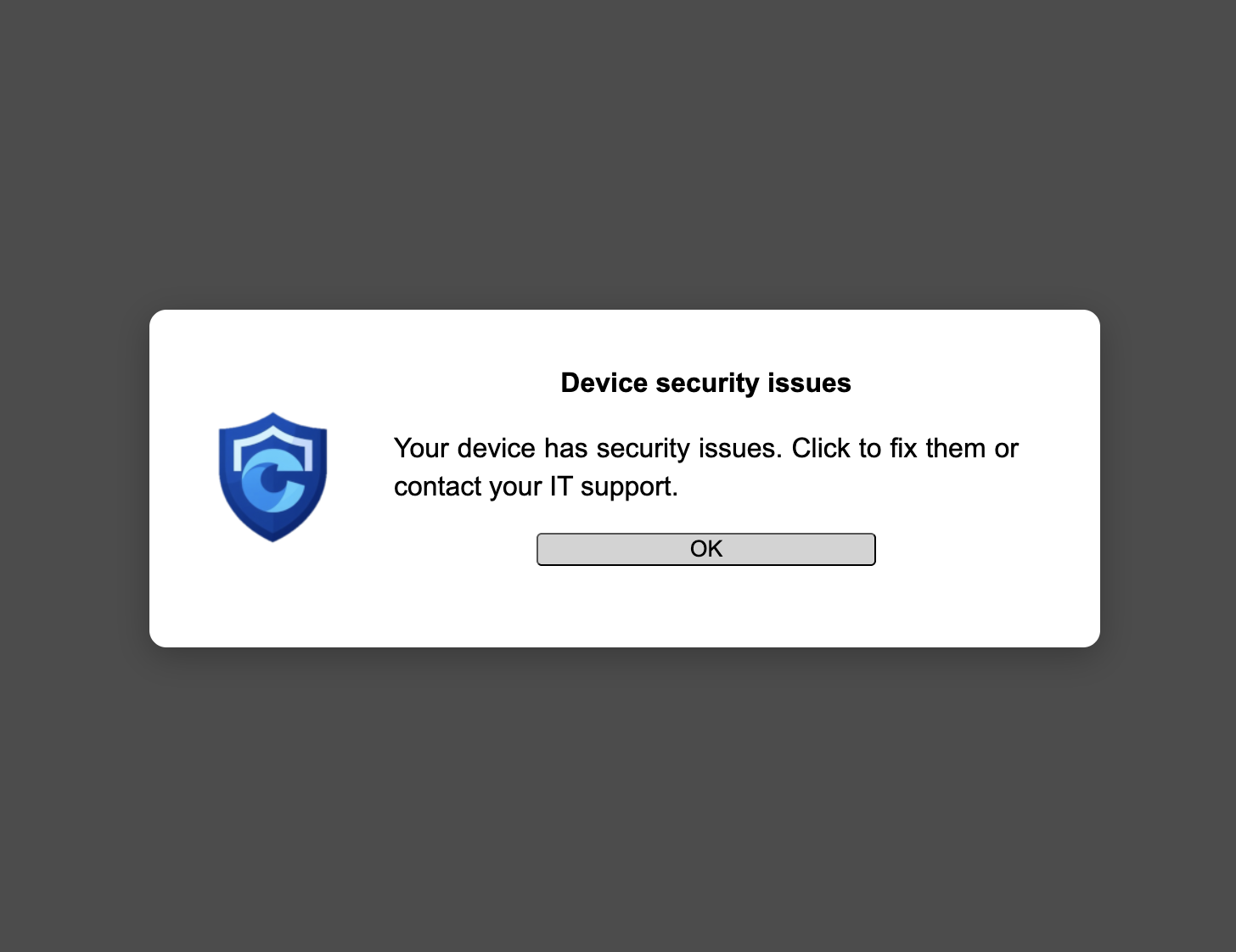
Citadel enforces your policy by blocking access to the protected scope in case of non-compliance. In order to give users due warning and not block users when they are performing time-critical tasks, an escalation schema is followed, depending on the type of action defined for the issue at hand. For more information, see the page on audits.
You can adapt the way that Citadel reacts to different types of issues, depending on your context and risk factors.
    "device": {
        "actions": {
            "default": "WARN",
            "SKIP": [],
            "NOTHING": [],
            "NOTIFY": ["MaxUptime", "SSHKeys"],
            "WARN": [],
            "BLOCK": ["DriveEncryption", "RemovableStorage"]
        },
        "trigger": {
            "warn": 2,
            "block": 7
        },
        "exceptions": {
            "duration": 60,
            "domains": ["*"]
        }
    }
You can specify the maximum escalation level per control. For more information about the controls, see the catalog of standard controls, and the query definitions.
If a control triggers WARN, then the device.trigger.warn and device.trigger.block settings specify the number of working days between each escalation step.
The device.exceptions.domains lists for which domains users can request temporary exceptions, and device.exceptions.duration sets how many minutes the exception will last. When set to 0 exceptions are not allowed.