Account Trust
You can use Citadel to enforce your IAM policies, such as:
- your password complexity rules
- the re-use of passwords
- the use of Multi-Factor Authentication
Of course, these policies will only be enforced on endpoints that are running Citadel.
general configuration
By default, Citadel applies the password policy to all types of usernames, i.e. user@yourcompany.com, user and user@gmail.com.
But to protect the privacy of your end-users, it:
- only applies the policy to the systems in your protected scope
- purges accounts after 90 days of not being used
If checkOnlyInternal is set to true then the policy is not applied to external users. The domain of usernames is used to determine if the user is internal or external. If you have defined company.domains then any domain not in that list is considered external. If you have not defined company.domains then any domain in domain.publicMail (containing a default list of known public mail services) is considered external. Usernames without a domain are always considered as internal.
    ...
    "accounts": {
        "retentionDays": 90,
        "checkOnlyInternal": false,
        "checkOnlyProtected": true
    }
    ...
passwords complexity
You can modify the default password policy, which is:
    ...
    "account": {
        "passwordPolicy": {
            "minLength": 15,
            "minNumberOfDigits": 1,
            "minNumberOfLetters": 0,
            "minNumberOfUpperCase": 1,
            "minNumberOfLowerCase": 1,
            "minNumberOfSymbols": 1,
            "minEntropy": 2.5,
            "minSequence": 4
        }
    }
    ...
Note that:
- the
minEntropysetting refers to the Shannon Entropy - the
minSequencesetting measures the number of consecutive characters or numbers in the password, relative to the password length
password reuse
The re-use of passwords creates the risk of credential stuffing. Citadel allows you to detect and prohibit the re-use of passwords.
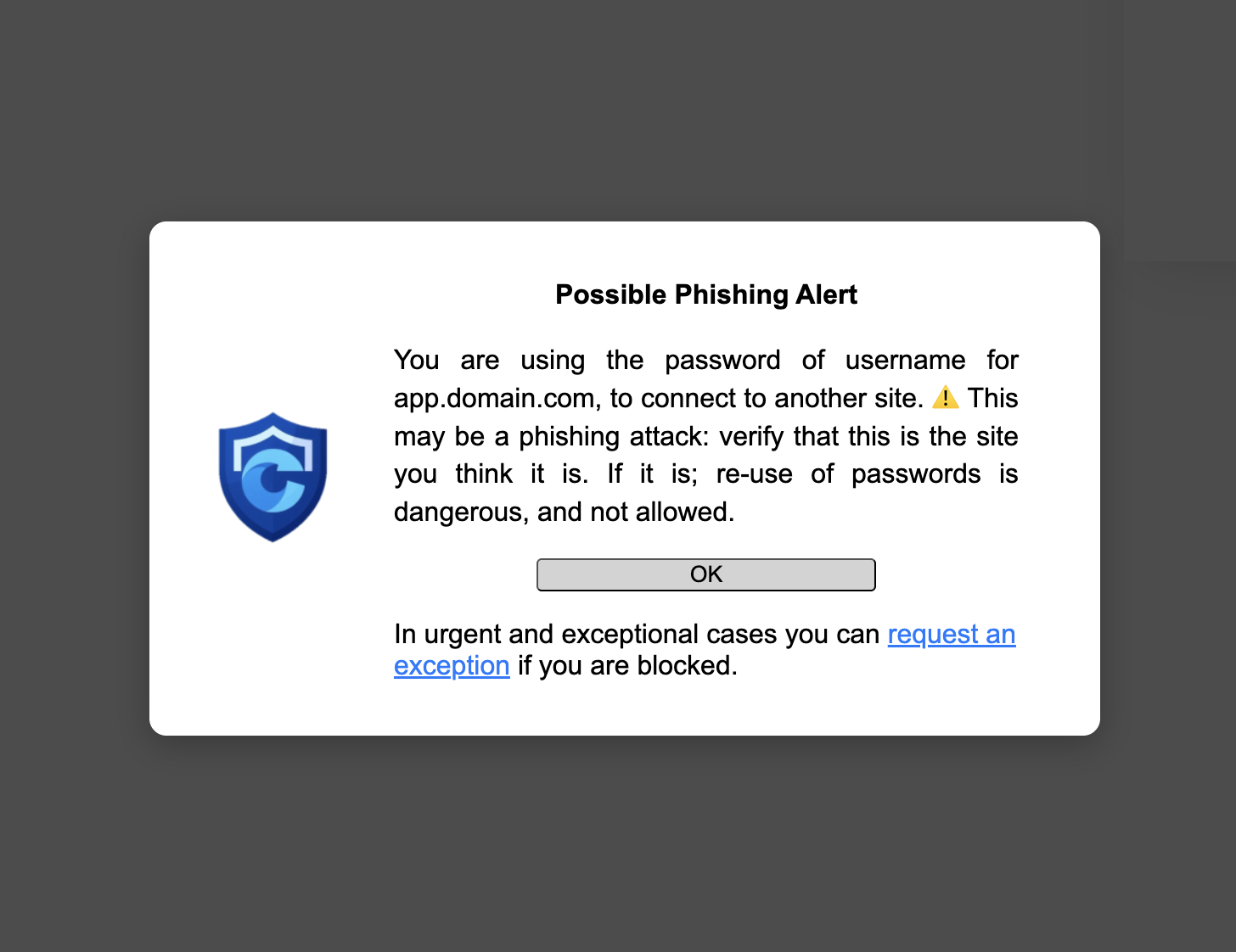
Every time when users enter a password into a site that is part of your protected scope, their password is stored. This allows Citadel to compare the password to other passwords that are entered in other sites. If Citadel detects that a user is using a password for one site, to connect to another site, this is raised to the user as a potential phishing attack.
Users can then ask for a temporary exception and continue. The account will be recorded as insecure and the user will at some point in time have to log off or change the password.
Note
- passwords are stored inside the secure and private extension storage of Citadel
- passwords are securely hashed before storing them (using Bcrypt)
- only passwords of sites in the protected scope are hashed
- passwords on other sites are hashed and compared, but never stored
    ...
    "account": {
        "passwordReuse": {
            "action": "WARN",
            "exceptions": {
                "allowed": true,
                "groups": [ ["domain-a.com", "domain-b.com"] ]
            }
        }
    }
    ...
account.passwordReuse.actionthe escalation step to take when a login is performed with a re-used passwordaccount.passwordReuse.exceptions.allowedare users allowed to request an exception and enter the passwordaccount.passwordReuse.exceptions.groupslist containing lists of domains that you allow to share passwords between them
Multi-Factor Authentication
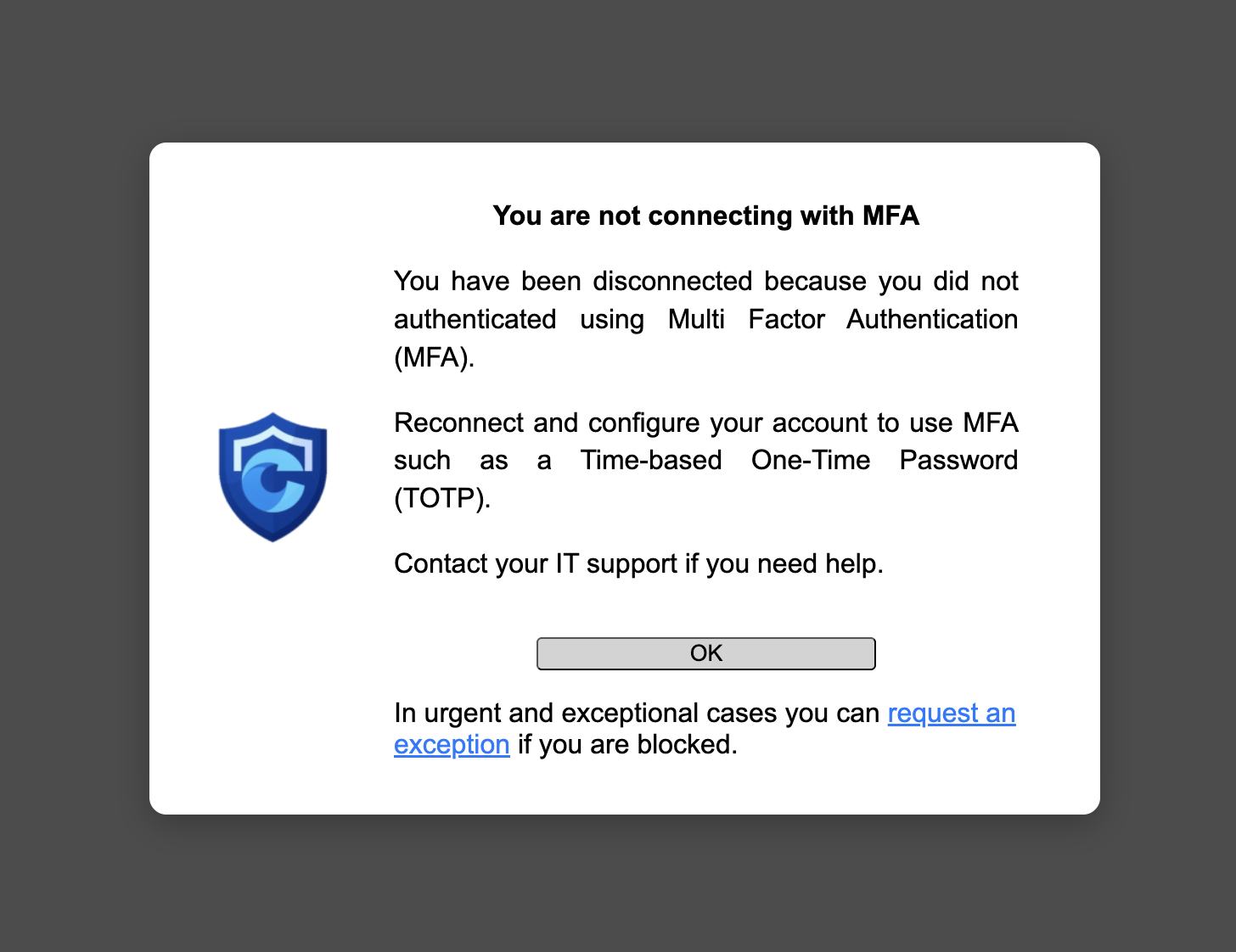
You can ensure that whenever users send a password, they also use another factor (e.g. TOTP, WebAuthn). If Citadel does not detect them providing one within waitMinutes they receive a warning. If they acknowledge the warning they are logged off. By default Citadel also allows them to request an exception. Once they have authenticated using MFA their session will remain valid for maxSessionDays.
Not all applications have MFA, so you have to enumerate the list of applications that you want to enforce MFA on. You can make exceptions for specific subdomains:
    "account": {
        "mfa": {
          "waitMinutes": 10,
          "maxSessionDays": 30,
          "required": [
            "yourcompany.com",
            "1password.com",
            "atlassian.com",
            "idmsa.apple.com",
            "notion.so",
            "openai.com",
            "gitlab.com",
            "github.com"
          ],
          "exceptions": [
            "non-mfa-application.yourcompany.com"
          ]
        }
    }
session duration
Citadel can be configured to limit authenticated session duration by forcing cookies to expire. This reduces the risk of cookies being stolen, should the endpoint ever be compromised. Since it forces users to reconnect, it also ensures that Citadel has recent data bout password quality and account usage.
The default settings is 30 days. You can list the domains to apply the rule to, and specify exceptions to that list. By default, no domains are specified and the feature is disabled. To enable it, set domains to "*", and configure any domains that you want to exclude, or that are not compatible with this feature.
    ...
    "session": {
        "maxSessionDays": 30,
        "domains": ["*"],
        "exceptions": ["google.com","okta.com"]
    }
    ...
enforcement
Citadel enforces your policy by blocking access to the protected scope in case of non-compliance. In order to not block users when they are performing time-critical tasks, an escalation schema is followed, depending on the type of action defined for the issue at hand. For more information, see the page on audits.
You can adapt the way that Citadel reacts to different levels of non-compliance, depending on your context and risk factors.
    ...
    "account": {
        "actions": {
            "NOTIFY": 2,
            "WARN": 4,
            "BLOCK": 6
        },
        "trigger": {
            "warn": 2,
            "block": 7
        },
        "exceptions": {
            "duration": 60,
            "domains": ["*"]
        }
    }
    ...
The account.actions entries set how many password complexity rules must be broken to trigger each level.
If an account triggers WARN, then the account.trigger.warn and account.trigger.block settings specify the number of working days between each escalation step.
The account.exceptions.domains lists for which domains users can request temporary exceptions, and account.exceptions.duration sets how many minutes the exception will last. When set to 0 exceptions are not allowed.